
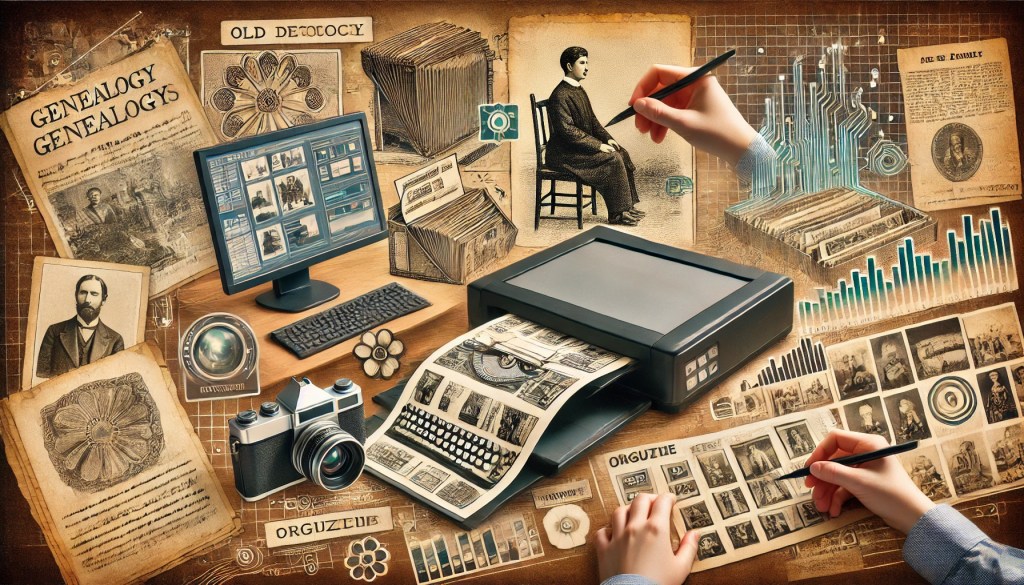
Genealogy research often involves handling a myriad of paper documents, photographs, and artifacts that can be difficult to manage and preserve. Digitizing your genealogy records not only helps to protect these valuable items but also makes them more accessible and easier to share. This guide will walk you through the process of digitizing your genealogy records, offering insights, guidance, tips, and tricks for both novice and experienced genealogists.
Why Digitize Your Genealogy Records?
Digitizing your genealogy records offers several key benefits:
- Preservation: Protects fragile documents and photos from physical damage.
- Accessibility: Makes your records easily searchable and accessible from anywhere.
- Organization: Helps you keep your research organized and manageable.
- Sharing: Allows you to easily share your findings with family members and other researchers.
Steps to Digitize Your Genealogy Records
1. Gather and Organize Your Materials
Before you begin the digitization process, gather all your genealogy materials and organize them:
- Documents: Birth, marriage, and death certificates, wills, deeds, and letters.
- Photographs: Family photos, portraits, and snapshots.
- Artifacts: Diaries, scrapbooks, and family heirlooms.
Organize these items by family branch, type of record, or another system that makes sense to you.
2. Choose the Right Equipment
Selecting the right equipment is crucial for high-quality digitization:
- Scanner: A flatbed scanner is ideal for most documents and photos. For large documents, consider a scanner with a feeder or a portable scanner.
- Camera: A high-resolution digital camera can be used for items that cannot be scanned easily, such as 3D objects or large documents.
- Software: Use photo editing software like Adobe Photoshop or GIMP to enhance and manage your digital files.
3. Scan Your Documents and Photos
Follow these steps to scan your documents and photos:
- Resolution: Scan documents at 300 dpi (dots per inch) and photos at 600 dpi for high-quality images.
- Format: Save files in high-quality formats like TIFF or PNG for long-term preservation. Use JPEG for sharing online due to smaller file sizes.
- Naming: Use a consistent naming convention to make it easy to find and organize your files. Include details like date, type of document, and names.
4. Digitize Artifacts
For items that cannot be scanned, use a digital camera:
- Lighting: Ensure good lighting to avoid shadows and glare. Natural light is best, but you can also use soft artificial lighting.
- Background: Use a plain, neutral background to highlight the artifact.
- Multiple Angles: Take photos from different angles to capture all details.
5. Organize and Store Your Digital Files
Once you have digitized your records, organize and store them properly:
- Folders: Create a folder structure that mirrors your physical organization system.
- Metadata: Add metadata to your files, such as names, dates, and descriptions, to make them searchable.
- Backup: Regularly back up your digital files to multiple locations, such as an external hard drive, cloud storage, and a USB drive.
Tips and Tricks for Digitizing Genealogy Records
For Novices:
- Start Small: Begin with a small batch of documents and photos to get comfortable with the process.
- Keep Originals Safe: Store original documents and photos in archival-quality storage to protect them from damage.
- Label Everything: Clearly label your digital files and physical items to avoid confusion.
For Experienced Genealogists:
- Enhance Images: Use photo editing software to enhance old and faded images.
- Create a Digital Archive: Use genealogy software to create a searchable digital archive of your records.
- Share Your Work: Share your digitized records with family members and fellow researchers through online platforms.
Additional Resources
- National Archives: Offers guidelines and tips for digitizing historical documents. (https://www.archives.gov/preservation/digital-preservation)
- FamilySearch: Provides tools and resources for digitizing and preserving family records. (https://www.familysearch.org)
- Cyndi’s List: A comprehensive directory of genealogy resources online. (https://www.cyndislist.com)
- Genealogy Gems: Offers tips and tutorials for digitizing genealogy records. (https://lisalouisecooke.com)
Conclusion
Digitizing your genealogy records is a valuable step in preserving your family history for future generations. By following this guide and utilizing the tips and tricks provided, you can create a well-organized, accessible, and shareable digital archive of your genealogy research. Whether you’re just starting out or have years of research under your belt, digitizing your records will enhance your genealogical work and ensure that your family’s legacy is preserved.
Happy digitizing!

 Jackie's Genealogy
Leave a comment